Bluetooth Audio Adapter Receiver by Esinkin - Review
Disclosure: Some of the links in this article may be affiliate links, which can provide compensation to me at no cost to you if you decide to purchase.
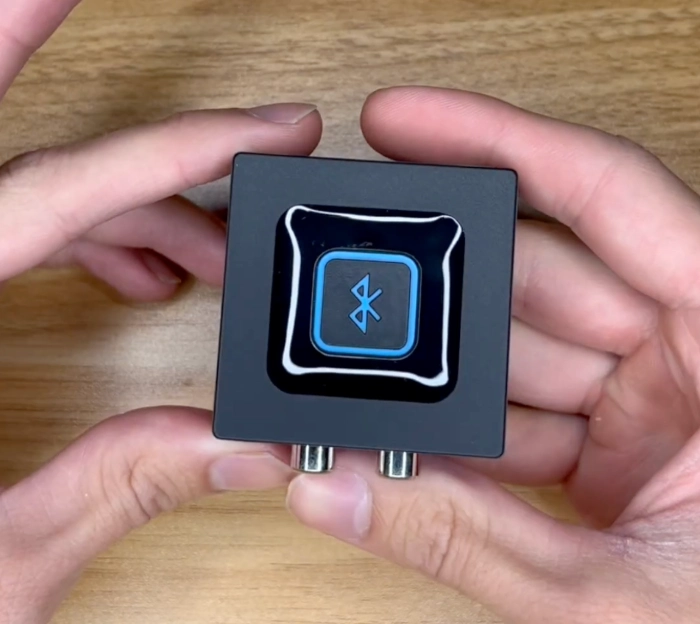
Here's the Bluetooth Audio Receiver I use often by Esinkin. Logitech also produces the exact same adapter for almost twice the cost!
I primarily use this to connect various Player Piano features. I've used it primarily for Disklavier and PianoDisc player pianos.
There's only 1 button on the entire device (press 5 times quickly) to begin pairing mode in order to pair to a device.
Power the adapter two different ways
The Bluetooth adapter is powered either by an AC adapter or by a USB adapter to power the device.
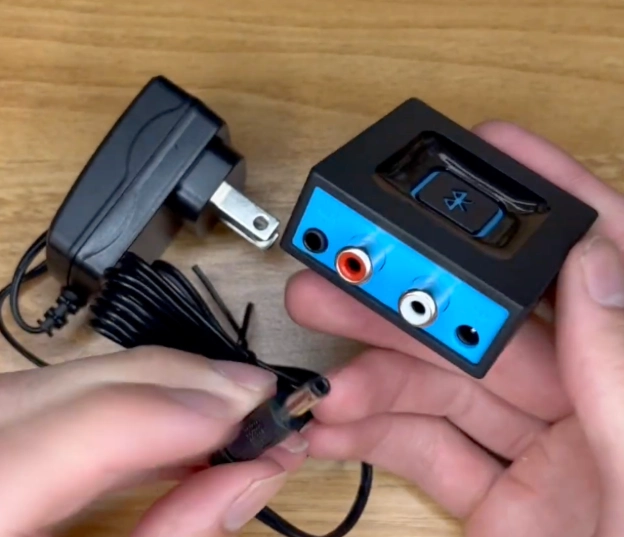
Above, the Esinkin Bluetooth adapter is powered by the AC power adapter. I prefer this method because it's the most stable method to power the device.
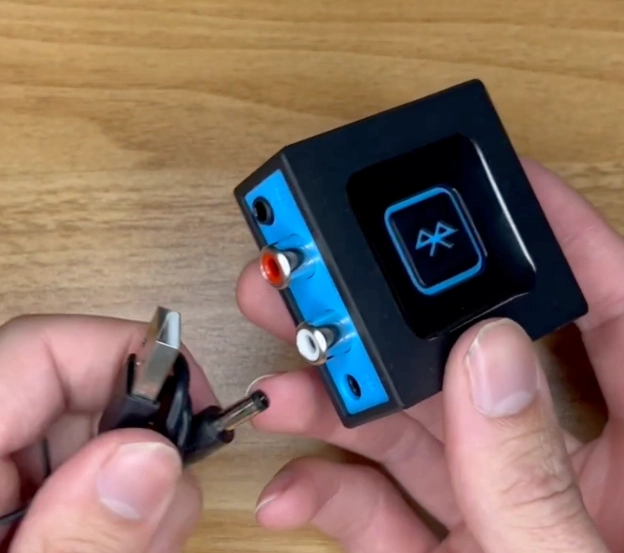
Above, the Esinkin Bluetooth adapter is powered by the USB adapter. I don't prefer this method because there could be variances in the supplied power depending on if the device supplying USB power is on or off.
Esinkin Bluetooth Adapter - Signal Flow
It's possible to connect via RCA cables or stereo jacks. In fact, included in the box are a pair of duo RCA cables to a mono 1/8 inch stereo jack.
This device allows you to send the left, right, or both channels depending on your needs in either direction - Whether you're feeding the right and left channel signal from your device or feeding it from the adapter's bluetooth signal connection.
Combine the right and left channel signal by plugging into the 1/8" stereo jack on the Esinkin Adapter to merge the signals.
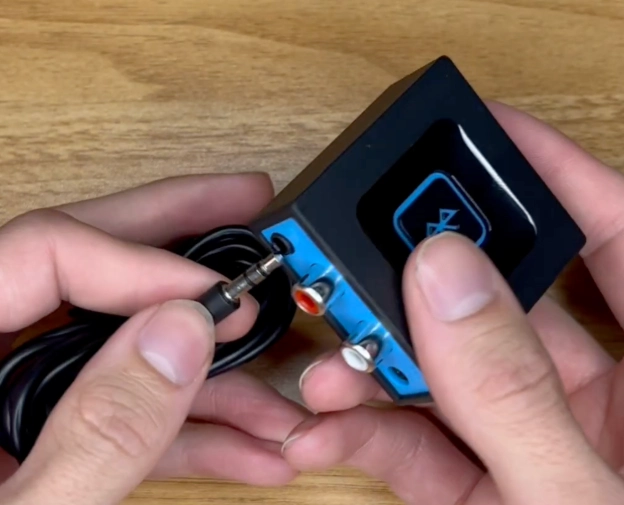
Above, the signals are merged when using the stereo jack. Input or output from this stereo jack are possible.
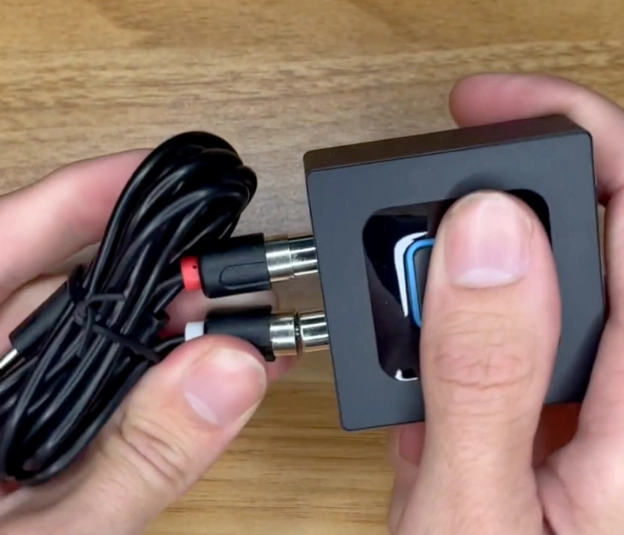
In the above photo, you can see that the Esinkin adapter supports right and left channel differentiation. This signal flow could be dedicated as an input or output.
The last step is to press the blue squared button 3 times so that the blue light flashes and your device will be able to pair.
Technician Gear, Tools, Machinery
Best SwissGear Work Backpack Tool Bag Review
Nova Voyager DVR Dril Press Review By A Piano Technician
Best Roll Up Screwdriver Set PB Swiss Tools
Best Piano Service Supplies For Hybrid And Electronic Repair
Best Tools To Use For The Piano Life Saver Dampp Chaser System
Disclosure: Some of the links in this article may be affiliate links, which can provide compensation to me at no cost to you if you decide to purchase.